

CometChatOutgoingCall manages the outgoing call process. It displays recipient information (avatar, name) and call status, and automatically transitions to the ongoing call screen when the receiver accepts.
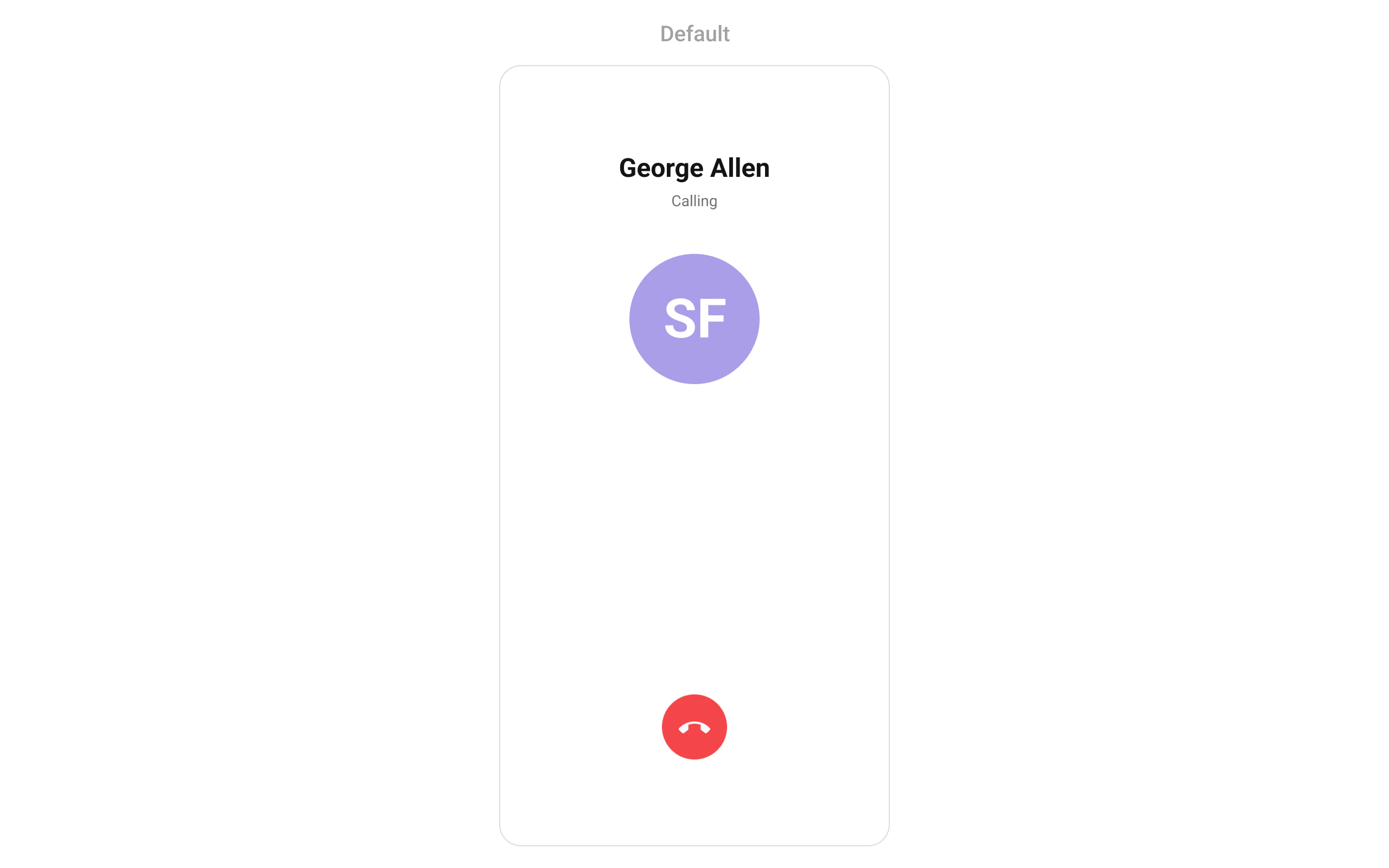
Where It Fits
CometChatOutgoingCall is typically launched automatically by CometChatCallButtons when a call is initiated. It can also be launched manually for custom call flows.
Quick Start
Automatic (via CallButtons)
When usingCometChatCallButtons, the outgoing call screen is launched automatically when the user taps a call button. No manual integration needed.
Manual Launch
For custom call flows:- Dart
- Dart
enableCalls = true set in UIKitSettings. See Call Features for setup.
Actions and Events
Callback Methods
onCancelled
Fires when the user cancels the outgoing call. Override to customize cancel behavior.
- Dart
onError
Fires on internal errors.
- Dart
Global Events
The component emits events viaCometChatCallEvents:
| Event | Description |
|---|---|
ccCallAccepted | Triggers when the outgoing call is accepted |
ccCallRejected | Triggers when the outgoing call is rejected |
- Dart
Functionality
| Property | Type | Default | Description |
|---|---|---|---|
user | User? | null | Recipient user object |
call | Call | required | Call object with session details |
callSettingsBuilder | CallSettingsBuilder? | null | Configure call settings |
height | double? | null | Widget height |
width | double? | null | Widget width |
declineButtonIcon | Widget? | null | Custom decline/cancel button icon |
declineButtonText | String? | null | Custom decline button text |
disableSoundForCalls | bool? | false | Disable outgoing call sound |
customSoundForCalls | String? | null | Custom sound asset path |
- Dart
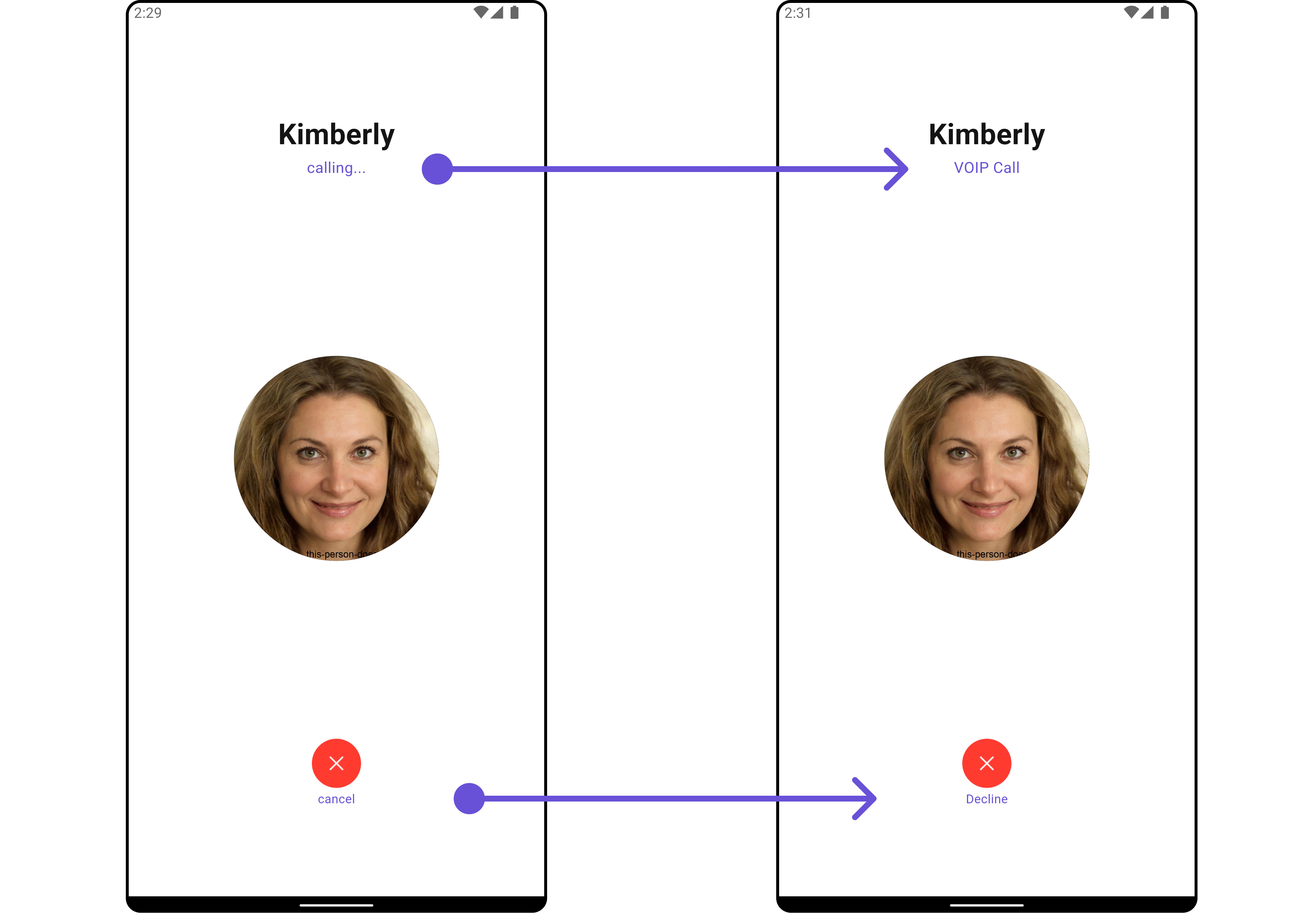
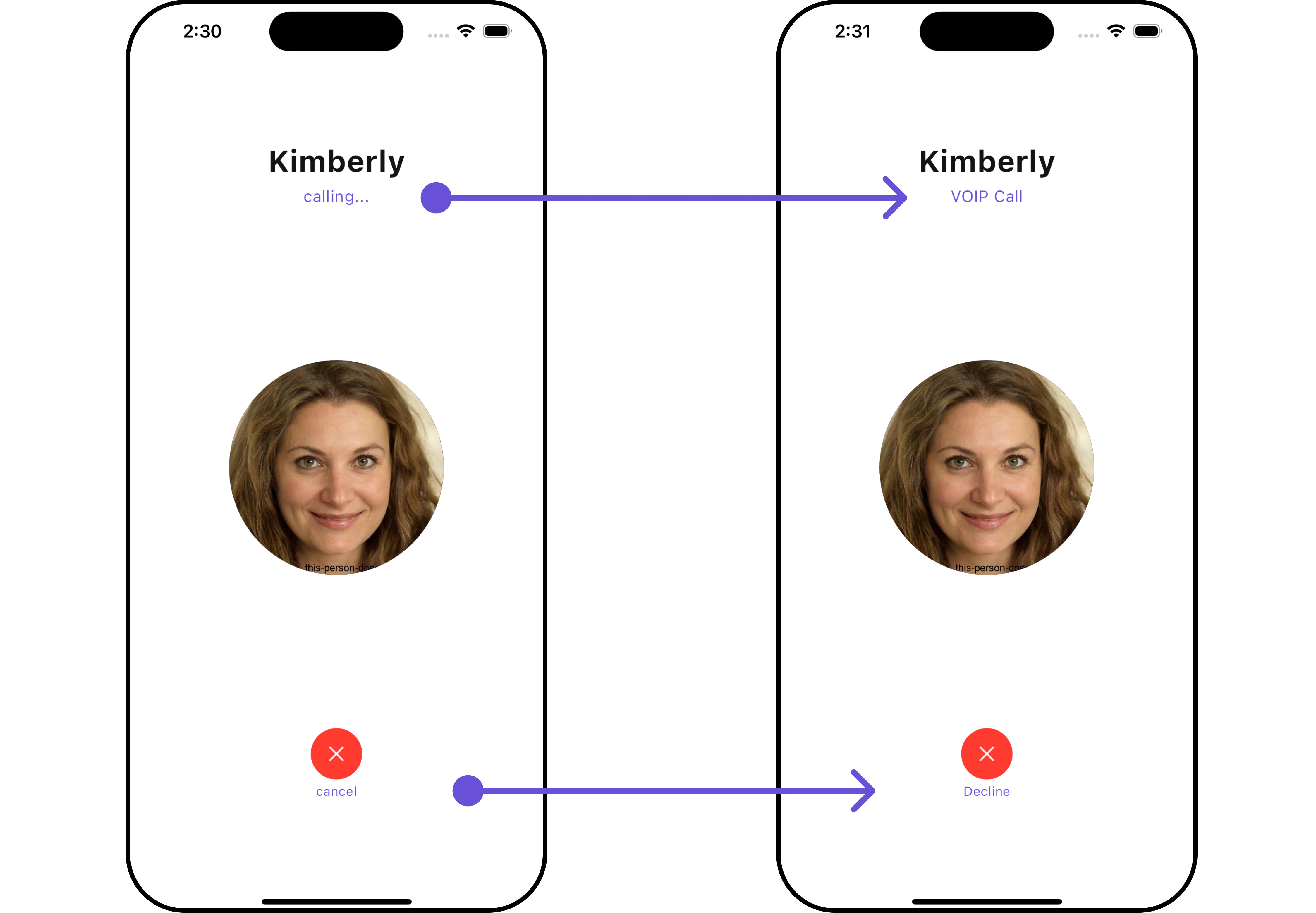
Custom View Slots
Avatar View
Replace the recipient’s avatar.- Dart
Title View
Replace the recipient’s name / call status text.- Dart
Subtitle View
Replace the subtitle (e.g., “Calling…”).- Dart
Cancelled View
Replace the cancel/end call button.- Dart
Style
- Dart
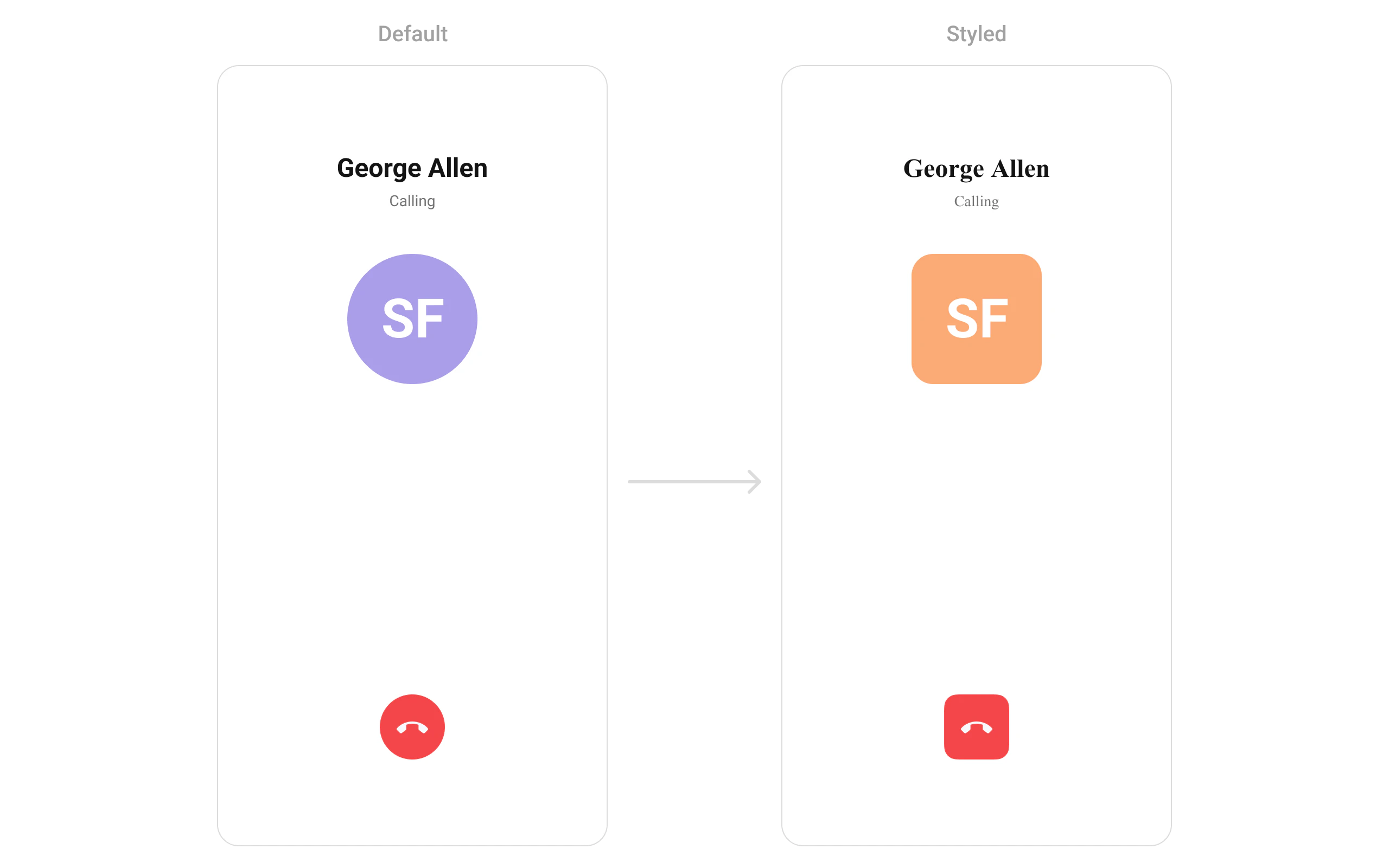
Style Properties
| Property | Description |
|---|---|
avatarStyle | Recipient avatar appearance |
declineButtonColor | Cancel button background color |
declineButtonBorderRadius | Cancel button corner radius |
backgroundColor | Screen background color |
Key V6 Differences
| Aspect | V5 | V6 |
|---|---|---|
| Subtitle | Static String? | Dynamic subtitleView: Widget? Function(BuildContext, Call)? |
| Decline callback | onDecline | Renamed to onCancelled |
| Decline icon | URL-based String? | Widget-based declineButtonIcon: Widget? |
| State management | GetX controller | BLoC (OutgoingCallBloc) |
| Removed | theme, avatarStyle, cardStyle, buttonStyle, ongoingCallConfiguration | Integrated into main style |
Next Steps
Incoming Call
Handle incoming calls
Call Buttons
Add voice and video call buttons
Call Features
Complete calling setup
Component Styling
Detailed styling reference